For most affiliates, a light HTML email that reads like plain text wins. Nearly all email is HTML today, true plain text is a niche choice, and personal-looking text-style emails suit relationship and click-focused sends. That’s the short answer. The longer one matters, because the wrong format on the wrong email quietly costs clicks… and commissions.
Quick verdict
- Text-style email (light HTML that looks plain): reads like a note from someone you know. Best for: personal recommendations, welcome emails, re-engagement.
- Designed HTML email: images, buttons, layouts. Best for: visual promos and product roundups.
The takeaway: default to text-style, and reach for full design only when the email genuinely needs visuals.
At a glance: plain text vs HTML

| Feature | Plain text | HTML | Winner |
|---|---|---|---|
| Design | None, no bold, fonts or images | Full layouts, images, colors | HTML |
| Deliverability | Smaller, less likely flagged as spam | Heavier code, more to filter | Plain text |
| Personalization feel | Reads like a friend’s email | Can feel like a web page | Plain text |
| Tracking | Harder to measure | – | – |
| Ease of creation | Just type | Templates or coding needed | Plain text |
| Mobile and watches | Shows almost anywhere | Most clients fine, some elements may break | Tie |
| Tools | – | – | – |
Notice HTML takes design and tracking. That’s not nothing. Pick based on the job, not on loyalty to one camp.
What plain text and HTML emails really are
According to Canto’s guide to HTML vs text email, plain text emails have no formatting at all: no bold, no italics, no fonts. HTML is the same markup used for web pages, so it handles formatting, colors and layout. Plain text is often shown in a monospaced font, where every character takes the same space.
New to the whole list game? Start with these email marketing basics for beginners first.
True plain text vs text-style HTML
Here’s where people get mixed up. When marketers say “plain text,” they usually mean a simple HTML email with mostly words and minimal design. Canto calls this a “text” email. A true plain text email requires actively switching HTML off.
That text-style email is the sweet spot for most affiliates. It looks personal, yet it still behaves like a modern email.
Why most email you get is HTML
If an email has a signature, hyperlinks or a font size option, it’s HTML. Use a template? HTML. Email stationery? Also HTML. ISIPP SuretyMail makes the same point.
For the few places that need real plain text, like some smartwatches, email programs automatically generate a plain text alternative alongside the HTML version. So the practical move is simple: send multipart, and let both versions travel together.
Deliverability and clicks: what the evidence says
This is the part everyone argues about on forums. Let’s keep it grounded.
Spam filters and message size
Ask Leo! notes that plain text email is smaller, downloads quicker and is much less likely to be wrongly marked as spam. Makes sense. Less code means less for a filter to get suspicious about.
That doesn’t make HTML a spam magnet. It means heavy, image-stuffed designs give you more ways to trip a filter. A lean text-style email keeps most of the plain text advantage.
The CS-Cart test and its limits
ISIPP SuretyMail reports that storefront provider CS-Cart found plain text email performed twice as well as HTML, at least for them. The same article draws on research from Vendasta on deliverability and response.
One company’s result is a clue, not a law. Your list, your niche and your offers are different. The takeaway: treat these findings as a reason to test, then trust your own numbers.
Which format for which affiliate email
This is the table most guides skip. Each affiliate email has a different job, so each gets its own call.
Which format for which affiliate email
| Best format | Why | Watch out | |
|---|---|---|---|
| Welcome email | Text-style | Feels like a note from a person you know, builds trust early | Don’t bury the one link you want clicked |
| Product recommendation | Text-style | Personal tone suits “here’s what I’d look at” style advice | Keep it light on images to stay lean |
| Newsletter or roundup | Designed HTML | Layouts and headings make several items scannable | Heavier code; check it on mobile |
| Promo with deadline | Light HTML with a clear button | Formatting makes the deadline and call to action stand out | Too many images can hurt inbox placement |
| Re-engagement | Text-style | A short, plain message reads like a genuine check-in | Plain text tracks less, so watch clicks and replies |
Notice the pattern. Relationship emails lean plain. Visual or multi-item emails lean HTML.
Writing the actual copy is a separate skill… this guide on an affiliate email template that sells covers it. And if you want the bigger picture of turning sends into sales, see how to master email list monetization.
The Easy Commission Funnel includes LeadsLeap for lead management and SendShark for broadcast emails, and new leads go into your own autoresponder. Whatever format you choose, you send it from tools you control, on a list you own. Pick one row from the table and apply it to your next email.
How to run your own split test
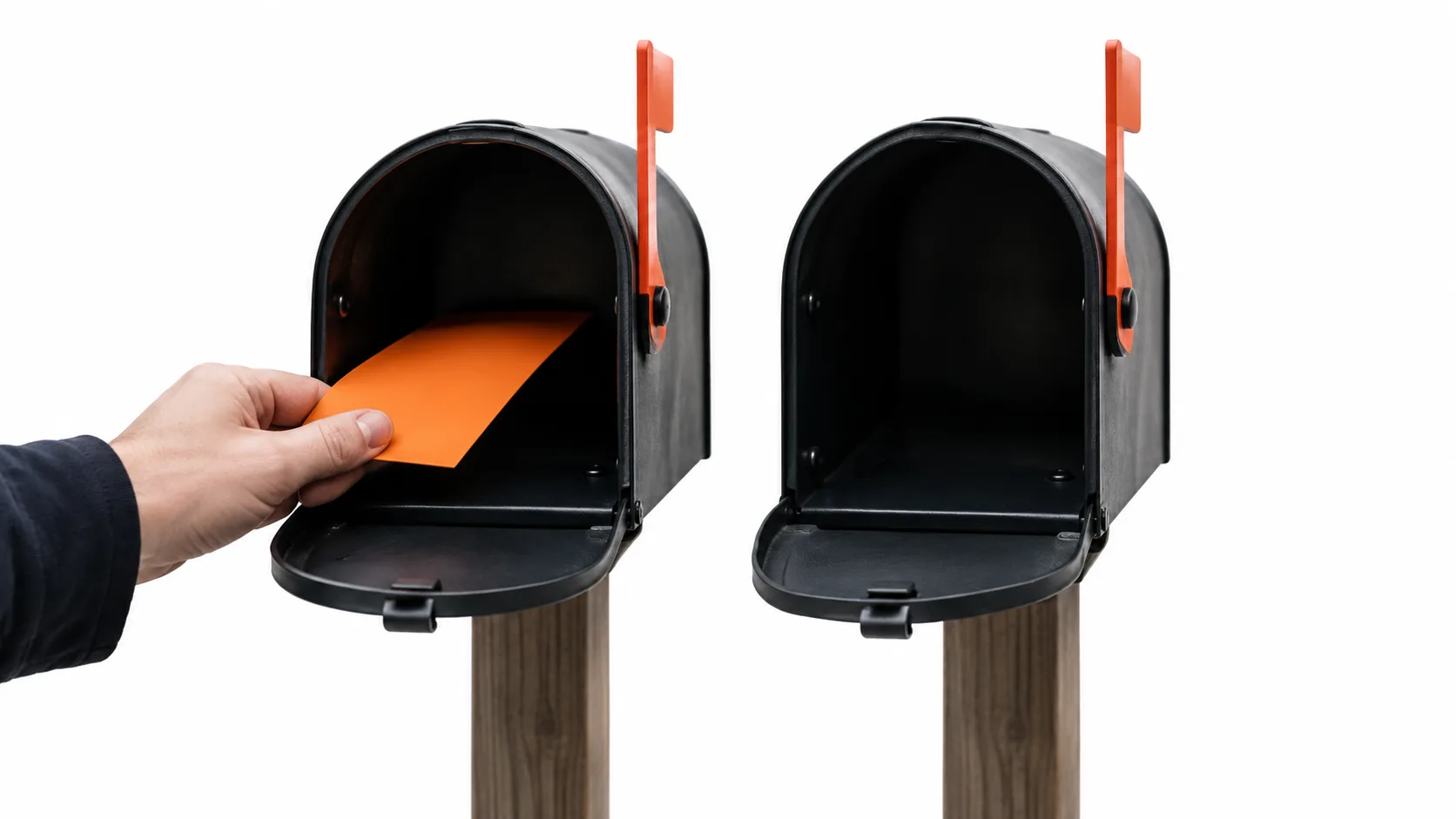
Opinions are cheap. Your own data isn’t. Here’s a simple test any beginner can run.
Setup
- Write one email and make two versions: text-style and designed HTML.
- Keep the subject line and the offer identical.
- Split your list roughly 50/50.
- Use one main link in each version.
- Go easy on images in the HTML version, so you’re testing format, not image weight.
- Send both to a few seed accounts you own on different providers and check the spam folders.
What to measure
- Clicks: the number that pays you.
- Replies: a strong sign the email felt personal.
- Spam placement: from your seed accounts.
Open rates are shakier, since tracking relies on HTML images. Run the test on a few sends before you call a winner. Then build your affiliate email marketing routine around what your list actually rewards.
Where plain text loses
To be fair to HTML, here’s where it clearly wins:
- Branding. Colors, logos and consistent design make you recognizable.
- Product visuals. Some offers sell on what they look like. Plain text can’t show a single image.
- Buttons and emphasis. Different font sizes for headings and calls to action make key info stand out, as Canto points out.
- Roundup layouts. Five products in one email? Structure helps readers scan.
- Tracking. Analytics tools embed tracking in the HTML code, making clicks and opens easy to measure.
True plain text can’t carry formatting at all. No bold, no italics. If your email needs any of that, HTML is the answer. Building authority over time also benefits from a recognizable look; see using email to build authority in affiliate marketing.
Who should pick which

Brand-new beginner using a done-for-you funnel. The Easy Commission Funnel is a free, prebuilt system with automated follow-ups for beginners, and leads land in your own autoresponder. Keep your own broadcasts text-style. Short, friendly, one link. Need a starting point? Here’s email marketing for affiliate beginners.
Product-review newsletter. Comparing several products each week? Use a clean HTML layout so each pick is easy to scan, and keep it lean.
Promo launch. Use light HTML with one clear button and a visible deadline. Then send a text-style reminder that reads like a quick personal nudge. For the first-sale mindset, read how to make your first affiliate commission with email marketing.
Pick your situation, and set your default format today. For more background, visit Jeff Aman.
FAQ: Frequently Asked Questions
Why are some emails in plain text?
Some senders choose plain text because it’s small, loads fast and feels personal. Some mailing lists and devices, like certain smartwatches, also need it, which is why email programs generate a plain text version automatically.
What is the difference between rich text, plain text, and HTML?
Plain text is just characters with no formatting. HTML is web markup that handles fonts, colors, images and layout. Rich text is a formatted style some email programs offer; for marketing email, HTML is the standard.
How do I change an email from plain text to HTML when replying?
Most email programs let you set a default format for all mail or switch the format of the current message while composing. Look in the compose window’s format options or your program’s mail settings.
Should I use rich text or HTML in Outlook?
For everyday sending, HTML is generally the safer choice, since all major email clients display it well. Rich text formatting may not display the same way for recipients using other email programs.
Does plain text avoid spam folders?
Not guaranteed. Plain text is smaller and less likely to be wrongly flagged, but list quality, sending reputation and content matter too. A lean text-style HTML email often performs similarly. Test with seed accounts.
Can I include links in plain text emails?
Yes, as full visible web addresses. Most readers’ email programs make them clickable. What you can’t do is hide a link behind anchor text; that requires HTML.
Conclusion
The winner for most affiliates is a light HTML email that looks like plain text. Use it for welcomes, recommendations and re-engagement. Save designed HTML for roundups and visual promos. Then let your own split tests settle the rest.
Want more beginner guides like this? Jeff Aman’s guide to email marketing for affiliate marketers is the next read, and the Easy Commission Funnel is free to register when you’re ready to start sending.