The best email analytics tool for a beginner affiliate is the one that shows opens, clicks and list growth inside the autoresponder where your leads land. Add a CRM or inbox tracker like HubSpot or Right Inbox only when you need deeper engagement data. Most tool roundups skip that part… they hand you twenty logos and wish you luck. New to all this? Start with email marketing for beginners.
How we ranked these email analytics tools

Here’s the scorecard. Argue with it if you like.
- Beginner ease. Can someone with zero tech skills read the numbers on day one?
- Metrics shown. Opens, clicks and engagement, the basics most email tools put on a dashboard according to Streamlyn Academy’s guide to email marketing tools.
- List ownership. Do your leads end up on a list you control?
- Automation or testing depth. Can you split test or automate once you’re ready?
- Fit for US users. Works with the tools American affiliates already use.
Takeaway: if a tool fails criterion one, the other four don’t matter yet.
Quick summary
- Easy Commission Funnel: free prebuilt funnel feeding your own autoresponder. Best for Beginners
- HubSpot: opens and engagement loaded into CRM records. Best for CRM Tracking
- ActiveCampaign: automation plus split testing for opens and clicks. Best for Automation
- Campaign Monitor: campaign-level analytics with easy visual emails. Best for Design
- Right Inbox: Chrome extension showing who reads and clicks. Best for One-to-One
- Mail track: engagement dashboard that also works on mobile. Best for Mobile
At a glance: email analytics tools compared
| Rank | Tool | Pricing | Best for | Standout metric |
|---|---|---|---|---|
| 1 | Easy Commission Funnel | – | – | – |
| 2 | HubSpot | See vendor | CRM-style lead tracking | Opens and engagement per contact |
| 3 | ActiveCampaign | See vendor | Automated sequences | Split-test results for opens, clicks, purchases |
| 4 | Campaign Monitor | See vendor | Visual newsletters | Engagement broken down by campaign |
| 5 | Right Inbox | See vendor | Personal outreach in Gmail | Who read and clicked, how often, when |
| 6 | Mail track | See vendor | Tracking on the go | Dashboard of all tracked emails |
Takeaway: notice the last column. Pick the metric you need, then the tool.
1. Easy Commission Funnel
The Easy Commission Funnel (ECF) is a free, prebuilt affiliate marketing system. You register, get a unique link and send people to it. Registration costs nothing.
Key features:
- A prebuilt page, expert video content and automated follow-ups from day one
- LeadsLeap for lead management and SendShark for broadcast emails
- New leads go into your own autoresponder, so you build an independent list
That last point is the whole game. Your opens, clicks and list growth all sit in one place you control. No guessing which spreadsheet holds what. ECF was founded by Jeff Aman.
Who it’s for: beginner affiliates who need traffic turning into leads first. If that’s you, see how to build an email list for affiliate marketing.
Caveat: it’s a funnel, not a dedicated analytics suite. You’ll read your numbers in your autoresponder and lead tools.
2. HubSpot
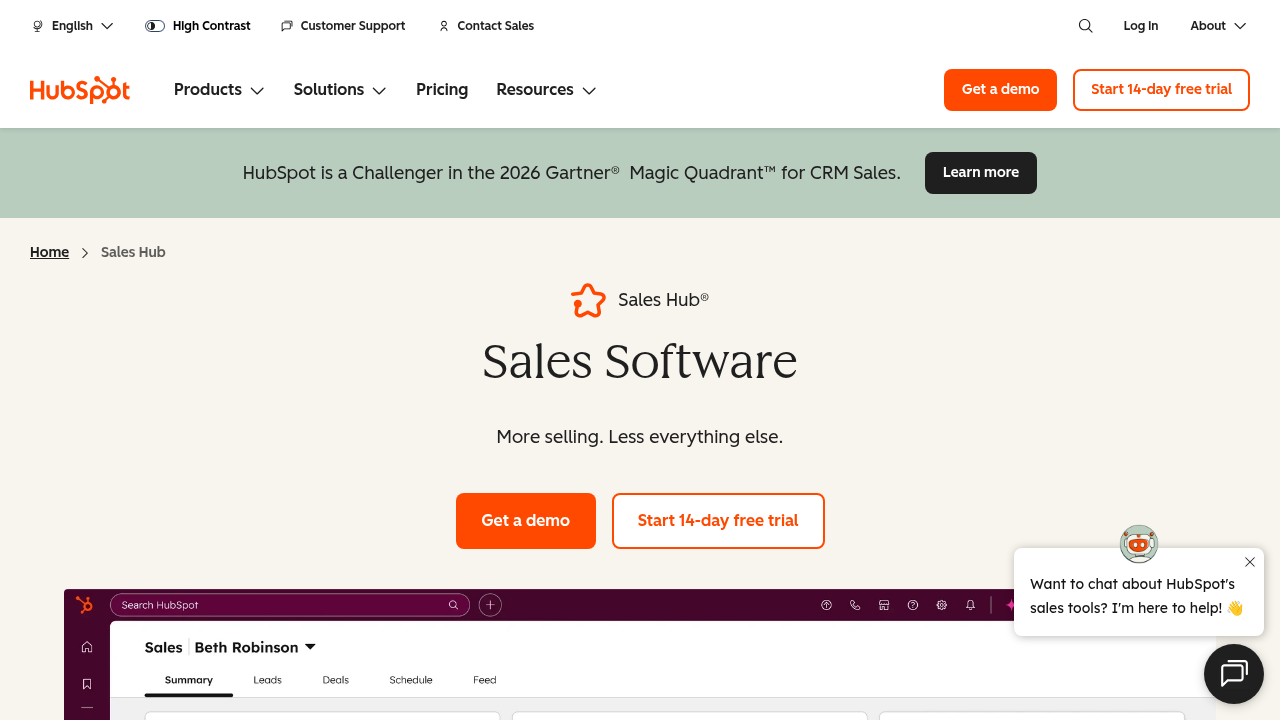
HubSpot’s Sales Hub tracks email opens and engagement and loads that data into each prospect’s CRM record. Its Marketing Hub supports A/B testing emails, and full-funnel tracking shows the role email plays in the bigger picture, according to MARKET ME NICE’s tool roundup.
Who it’s for: affiliates who already think in contacts and pipelines.
Pricing: see vendor.
Caveat: it’s CRM-heavy. For a beginner with fifty subscribers, that’s a lot of cockpit for a short drive. If you want simpler options first, browse AI marketing automation tools for beginners.
Takeaway: grab HubSpot when you need per-contact history, not before.
3. ActiveCampaign
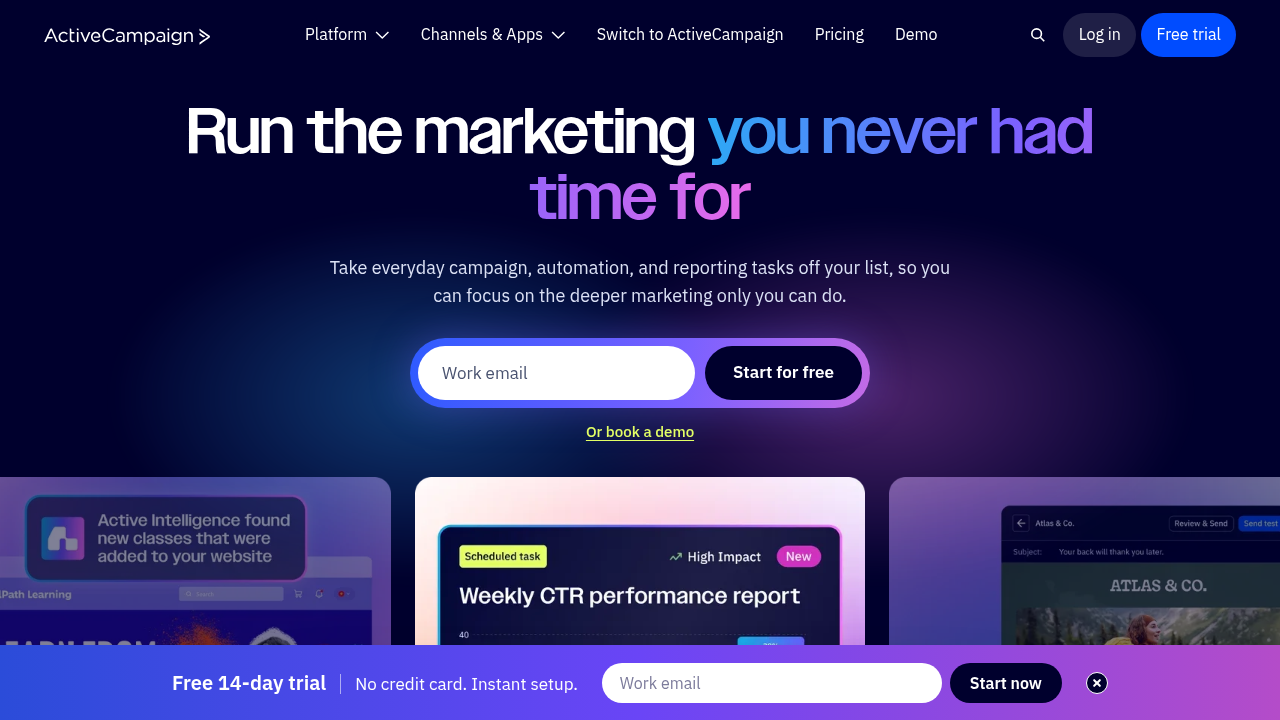
ActiveCampaign is best known for email automation. It leans on split testing, making it easy to optimize emails for opens, clicks and purchases.
Who it’s for: affiliates running sequences who want to know which version actually earns. Pair it with a solid welcome email sequence for affiliates and the tests start meaning something.
Pricing: see vendor.
Caveat: more setup than a brand-new list needs. Automations are only as good as the emails inside them.
Takeaway: test one thing at a time… subject line first.
4. Campaign Monitor
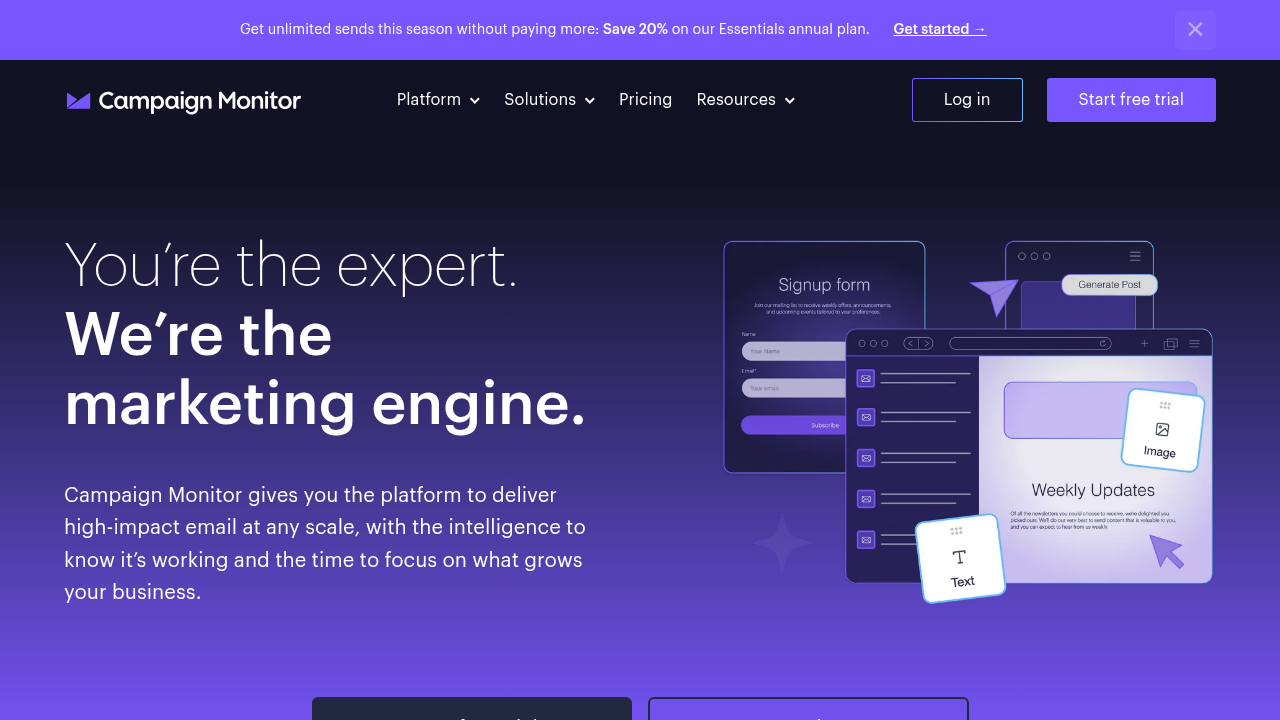
Campaign Monitor is an email provider known for making visually strong emails easy. It’s billed as a full analytics suite, with views of geography, acquisition and engagement broken down by campaign.
Who it’s for: people who send designed newsletters and want campaign-by-campaign reports. Before going all-in on design, weigh plain text vs HTML emails for affiliate marketing.
Pricing: see vendor.
Caveat: pretty emails don’t guarantee commissions. Check the click numbers, not just the layout.
5. Right Inbox
Right Inbox is a Google Chrome extension that shows who reads and clicks your emails, how many times and when.
Who it’s for: affiliates doing personal outreach, like pitching a partner or following up with a hot lead.
Pricing: see vendor.
Caveat: it’s one-to-one inbox tracking, not list-level reporting. It won’t tell you how a broadcast to your whole list performed.
Takeaway: great for relationships, wrong tool for newsletters.
6. Mail track
Mail track is another Chrome extension. It gives at-a-glance engagement info and a dashboard of all tracked emails, and it also works on mobile.
Who it’s for: anyone checking replies from their phone between jobs.
Pricing: see vendor.
Caveat: it tracks individual sent emails only. Your list stats still live in your autoresponder.
What to track first: KPIs for beginner affiliates

Most email tools show click-through and open rates on a dashboard. Here’s what each number actually tells you… and what to do about it.
| Metric | What it tells you | One action |
|---|---|---|
| Open rate | Whether your subject line and sender name earn attention | Rewrite weak subject lines |
| Click rate | Whether the email body sells the click | One clear link, one clear reason |
| List growth | Whether your traffic is turning into leads | Fix your opt-in page or offer |
| Unsubscribes | Whether you’re sending the wrong stuff, or too much | Review your email frequency |
| Replies | Whether readers trust you enough to talk back | Ask a question at the end of emails |
See a chunk of your list going quiet? Don’t panic. Learn how to re-engage inactive subscribers before you delete anyone. And if you’d rather just ask people what they want, try to survey your email list.
Takeaway: watch list growth and clicks first. Opens are a hint; clicks pay the bills.
How to choose

Go back to the five criteria. If you’re starting from zero, beginner ease and list ownership beat everything, so start free with a setup where leads go into your own autoresponder. Once you’re sending regularly, add testing depth with something like ActiveCampaign or HubSpot. Inbox trackers like Right Inbox or Mail track only make sense when you’re emailing people one-to-one. Pick for the stage you’re in, not the stage you hope to reach next year.
FAQ: Frequently Asked Questions

What are some popular tools used for email marketing?
Commonly mentioned options include HubSpot, ActiveCampaign, Campaign Monitor and Chrome extensions like Right Inbox and Mail track. For beginner affiliates, the autoresponder holding your list matters most, because that’s where your core numbers live.
What are the KPIs for email marketing?
The core KPIs are open rate, click-through rate, list growth, unsubscribes and replies. Opens show subject line pull, clicks show selling power, and list growth shows whether your traffic is becoming leads you own.
What is the 12 second rule for emails?
It’s an informal idea that readers decide quickly whether to keep reading. In practice: make the subject line and opening sentence do the work, state the point early, and give one obvious next step.
What are the 7 main types of emails?
Lists vary, but common types are welcome, newsletter, promotional, follow-up, re-engagement, survey and transactional emails. Affiliates usually lean on welcome sequences, value emails and promotions, then watch clicks to see which earns.
Do I need a paid analytics tool as a beginner?
Usually not. Registration for the Easy Commission Funnel is free, and new leads go into your own autoresponder, so you can start building a list without paying for extra tools. Add a paid tracker once you have enough sends for the extra data to change decisions.
Is Google Analytics an email marketing tool?
No. It’s a website analytics tool, not an email sender. It’s a useful place to look at what email visitors do after clicking through to your pages, alongside your autoresponder’s own reports.
Conclusion
Analytics only help when there’s a list to analyze. So get leads into an autoresponder you own, watch clicks and list growth, and add fancier tracking later. If you haven’t got subscribers yet, start building your list today, and see how to get your first 100 email subscribers. Small list, real numbers, then grow.